Pages

Saturday, 11 October 2014

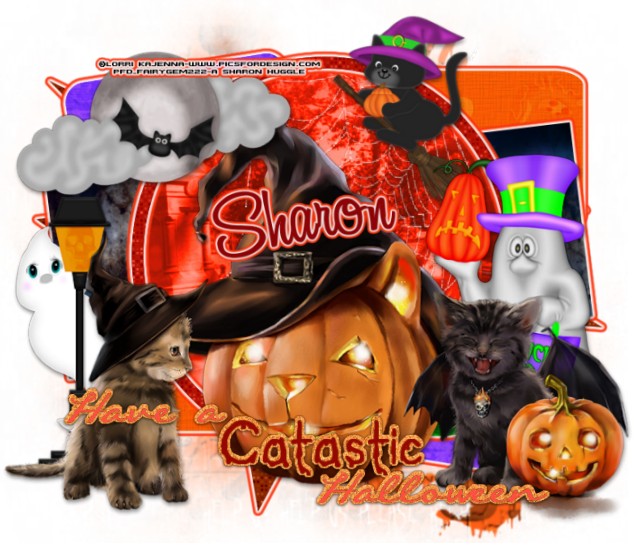
Catastic Halloween

Catastic Halloween
 Catastic Tut preview
This tutorial is written by Me on the 10th October 2014 and is all my own idea. Any resemblance to any tutorial is purely co-incidental and not intended. You must have a working knowledge of working with layers for the tutorial.
For this Tutorial you will need:-
Paint Shop Pro – I am using PspX5 but any addition will work.
Tube of Choice or the one I am using by Lorri Kajenna at Picsfordeisgn HERE
My Scrapkit - AutumnWeenie which you can download HERE
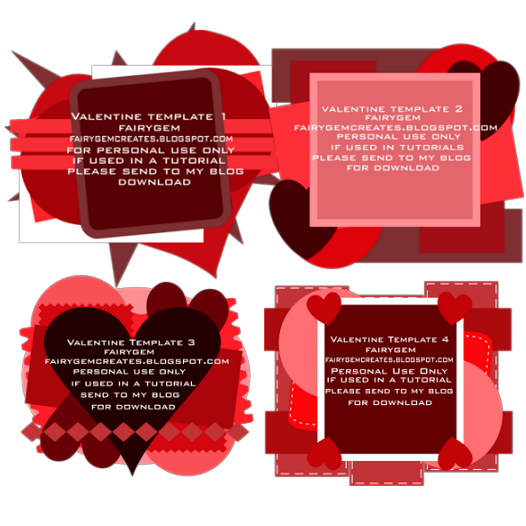
My Template which you can download HERE
Mask of Choice – I am using Vix Halloween 0904 which you can get HERE
Plugins Used
Xero Fritillary
Eye Candy 5 – Impact - Gradient Glow
Font of Choice or the one I am using – Al Serenade – I got this font at fonts101.com.
My Spider Web – Right Click and Save

spider Web black
Ready to begin – Here we go

1. Open my template, Shfit D and delete the original.

2. Delete the TOU layer, Canvas size and change to 785x700.

3. Open Paper 14 from my kit, Copy and paste as a new layer. Layers Load/Save mask and load Vix Halloween 0904. Delete Mask layer and merge Group.

4. Highlight Blast Layer – Xero Fritillary with the settings 5, 30, 40, and 55. Eye Candy Impact Gradient Glow with the settings below.
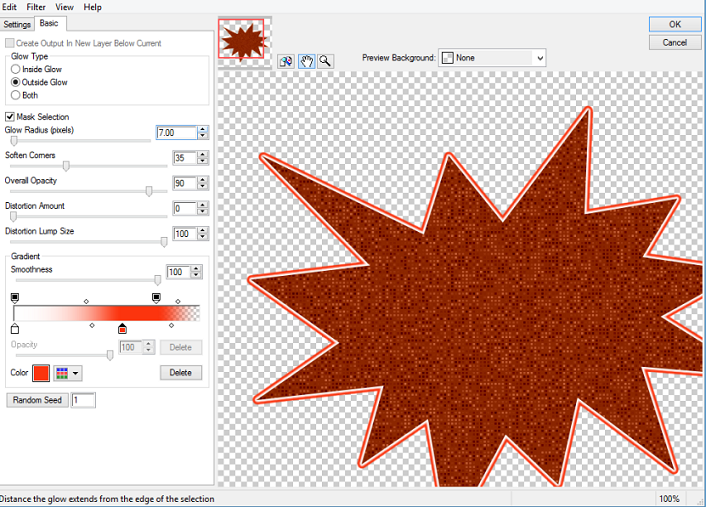
Gradient Glow settings CH
5. Merge the two Small Squares, Select float defloat. Open paper 1, resize by 85%. Copy and Paste, invert and delete the excess paper. Add the same gradient glow as above. Delete the original layer.

6. Merge the two Small Rectangles, Select, float, defloat. Open Paper 5, resize by 85%. Copy and paste, Invert and delete the excess Paper. Add the same gradient glow. Delete the original layer.

7. Merge the two Small Circles, Select float, defloat. Open Paper 12, resize by 85% twice. Copy and paste, Invert and delete the excess paper. Add same gradient glow. Delete the original layer.  

8. Highlight the Long rectangle. Select, float, defloat. Open Paper 19, resize by 85%. Copy and paste, Invert and delete the excess paper. Add the same gradient glow. Delete the original layer.

9. Highlight the Large Circle layer, Select, float, defloat. Open Paper 17, resize by 85%. Copy and paste, Invert and delete the excess paper. Change the blend mode to Hard light and the Opacity to 65%. Do not delete the circle layer.

10. Highlight the Frame layer, Select, Float, defloat and use the settings for Xero Fritillary we used before. Give it the same Gradient glow.

11. I didn’t change the wordart to a different colour as I liked the ones I used when making the template. But you can change them to your liking. Remember to add a dropshadow to the background. I used V1, H0, Opacity 65, Blur 4.91 Black.

12. Add your tube, if using the same as mine the tubes are in different layers, so add them to where you think they look best. Use my tag as a guideline. Remember to resize the tube, I resized by 45% then sharpened.

13. Open Bat n Moon, resize by 55%, copy and paste moving to the top left corner. Free Rotate 12% left.

14. Open Ghost Lamp, resize by 110%. Click on the frame layer, copy and paste moving behind the cat on the left. Sharpen.

15. Open Ghostie Trick or Treat, resize by 85%, Copy and paste behind the tube, moving to the right side. Sharpen.

16. Open my Spider Web that you saved at the begin of the Tutorial, Copy and paste in the Large Circle. Move to the right side of the circle and erase any overhanging.

17. Open Witchy Cat, resize by 70%, copy and paste moving it to the top of the circle layer. Sharpen.

18. Add a drop shadow to all the elements you have used. My settings were – V3, H1, Opacity 48% Blur 8.15 Black.

19. Add your copyright and Name, Resize the whole tag by 90% and save as a png.

I hope you enjoyed my tutorial and could follow it with no trouble. Any questions leave me a comment. I would love to see your results.
Hugs

Thursday, 9 October 2014

New FTU Kit - AutumnWeenie

AutumnWeenie

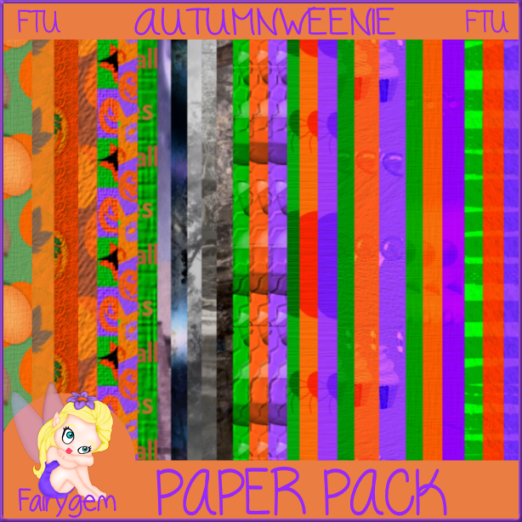
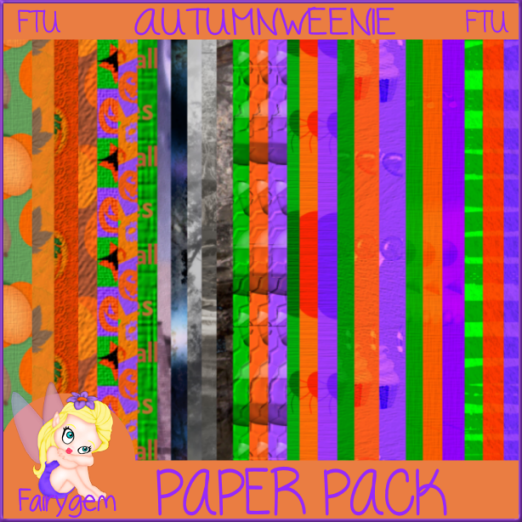
With Autumn on our doorstep and Halloween just round the corner i wanted to make a kit that you can use for both. The colours are autumn and halloweenie hence the name. Hope you like and can find a good use for it.
Here are the previews
Preview1
Paper preview1
You can download the kit 

Please if you download leave some love its nice to be nice and only takes a second but lasts a lifetime.
Remember also my TOU.
Before i go i forgot to mention that Maria at Maria's Place HERE is going to be making clusters from my kits. Go have a lookie and i would love to hear what you think but am so grateful that she is using my kits makes me feel am doing something right.
Thanks for looking 
Hugs to all

Sunday, 3 August 2014

Brain Cancer Awareness - Grey Matters FTU

I have been asked by Melissa at Unique Styles if I would like to contribute to a Brain Cancer Awareness Blog Train and of course I said Yes, anything to do with Cancer is a priority to me at the moment due to how Cancer is affecting my family.
Melissa's best friend's mother has just been diagnosed with Glioblastoma and living so far from her best friend she came up with the idea of making a Brain Cancer Blog train. 
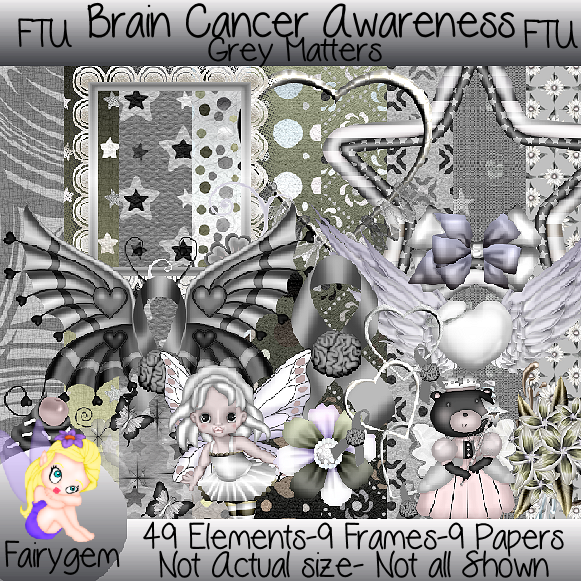
Here is a preview to my part of the train

BC Preview

You can Download my part 

Other parts of the Blogtrain are 

Unique Styles Here
Jo Designz Here
Maria's Place Here
LadyQueens Psp Creations Here
Always Creations Here 
Scarab Scraps Here
Rawkin Designs Here

Please keep checking back as more things will be added to this wonderful Blogtrain.

Huggles 

Tuesday, 29 July 2014

Update on my life

Good evening my friends, I just wanted to let you all know i haven't forgotten you or my blog I have a lot going on at the moment with my Mum, and trying to get things sorted in my life.
As most of you know I have been living with my eldest daughter for the last 15 months due to the Landlord of my old property deciding to sell the place, and the council not entertaining us on our homeless application. Yesterday i had an appointment with both the Council and the Housing association to find out what is happening with my applications. It turns out the Council have put my application on hold because they didn't get all the facts from my homelessnes right and I have had to put it in writing. Now its a waiting game on when they will get back in touch with me. As for the Housing Association they have taken my new details and told me once they know what is happening with my homeless application they may be able to offer me somewhere. So I am asking you all to keep fingers crossed for me. 
Now onto some bad news for my family. At the beginning of February my Mum started having problems with her throat, the Doctor gave her some antibiotics as they said it was a throat infection but by the end of April she could no longer swallow food properly and it got the point where she was no longer eating. Her weight plummeted to 6 Stone which isn't a good weight to be at. Then on the 11th July she got taken into hospital due to her being severely dehydrated. On the 12th my middle daughter and I went up to Aberdeen for ten days and we found out my Mum has a tumour in her throat. They did a biopsy and it came back Cancerous and on the 17th July my birthday we found out that the tumour is from tonsil to tonsil and down to her oesophagus and that they can't operate as it would cause more harm than good. They are going to be starting Radiation therapy next month and she is now having a mask made to go over her face to protect her while getting the therapy. I would appreciate all prayers and healing thoughts that anyone can give please and thank you. 
During this time i have been messing around making another Scrapkit called Sk8ter Girl and I am in the middle of writing a tutorial to go with the kit. 
Keep an eye on my blog for the kit being posted and the Tut, as soon as I get five minutes I will be getting things done. 
Ok thats it for now as i said just keep an eye on the blog for my new kit and Tut
Take care of you 
Hugs

Monday, 2 June 2014

FTU Emotastic

FTU EMOTASTIC

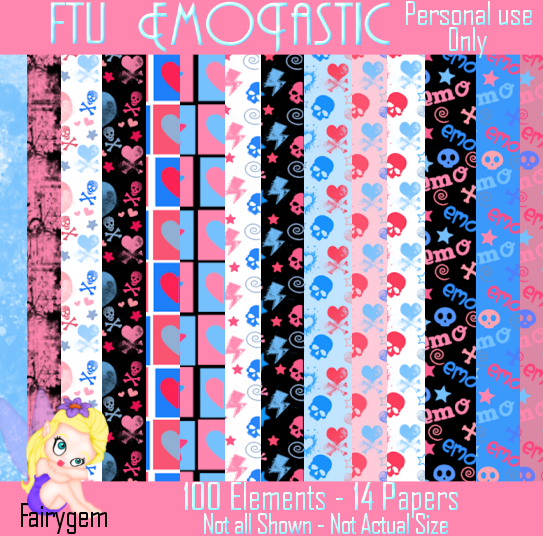
Hi Everyone, i am back with another kit for you to use. My daughter Becca named this kit for me and i am chuffed to bits with it.  The kit itself is Pink and Blue so I hope that you can come up with something to make using it. I am totally hooked on kit making at the moment so be ready for some more to come.
Here is a preview of Emotastic
Preview 1
Preview 2

You can download it from HERE
Please remember to say thank you it only takes a second but lasts a lifetime
Hugs
Gem/Sharon

Sunday, 25 May 2014

Butterfly Kisses - FTU

Butterfly Kisses

Have been busy making a few kits, am so loving making the kits so be on the look out for more to come, it sure does take my mind off everything else that is going on. 
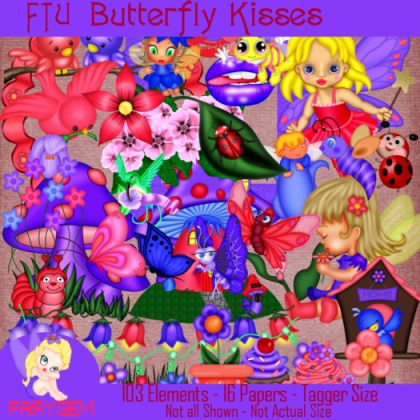
This one is in my favourite colours, Pink, Purple and Blue with loads of Butterflies and fairies along with flowers and lips. Its a Taggersize kit so makes it easier to resize. Hope you have fun using it, just remember please my terms of use. I would love to see any results you have made using the kit so please feel free to email me your tags for showing off. 
Here is the preview
Preview Elements
Paper Preview

You can find it HERE 
Hugs 
Sharon/Gem xx 

Thursday, 6 March 2014

Spring Word Art

Spring Word Art

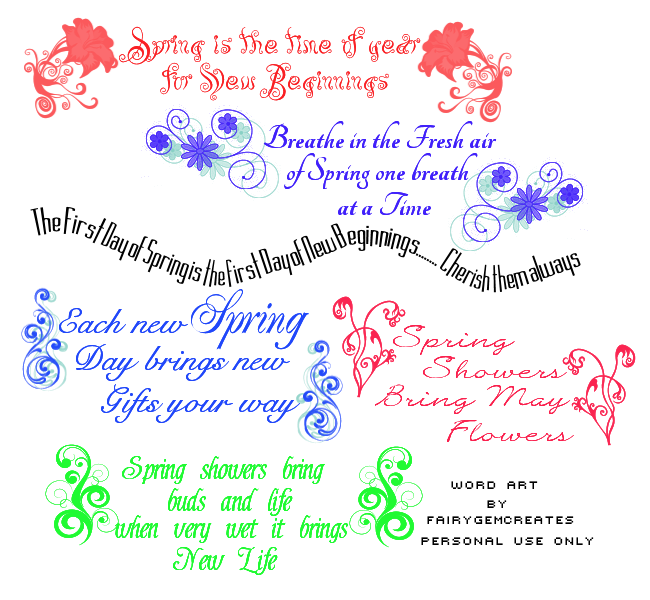
As you know spring is round the corner so i thought i would make some word art for the new beginnings coming your way 
The file is png so right click and save to your computer 
Hope you like them and would love to see what you come up with 
Hugs
Sharon 

Springwordart